Scan or import a pass
Scan a boarding barcode with the camera, or import a photo or PDF. Review the details before saving. A readable supported barcode can be displayed on a digital card.
YOUR ESSENTIALS, CLOSE
Keep your saved boarding passes, confirmations and passport record together, ready when you need them.
For iPhone and iPad.
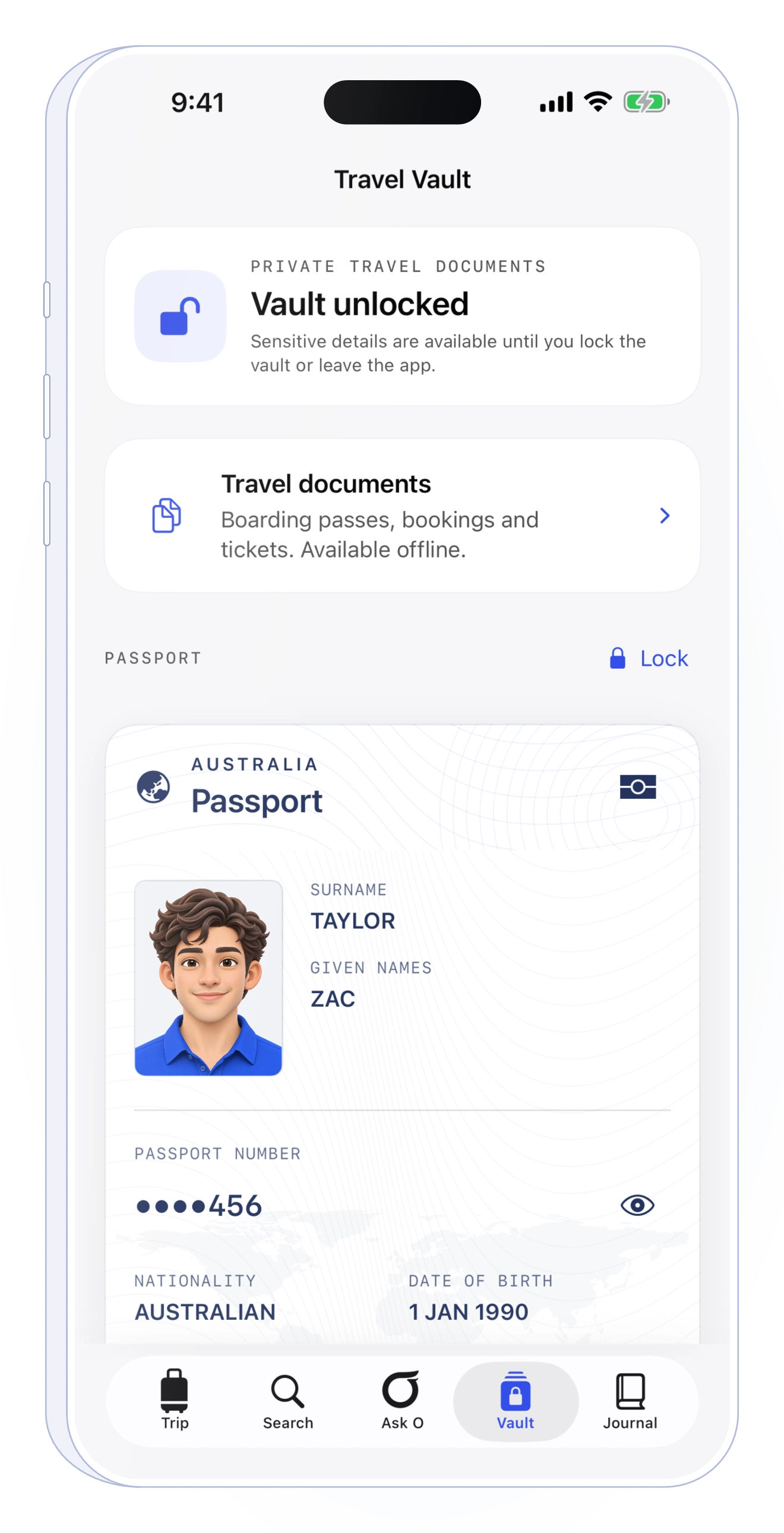
A boarding pass in one place, a hotel confirmation in another. Outglide helps you keep saved travel documents close, with encrypted storage on your device and access to saved copies without internet.
Scan a boarding barcode with the camera, or import a photo or PDF. Review the details before saving. A readable supported barcode can be displayed on a digital card.
A saved pass copies information from your original. Keep the airline-issued version available, especially if the barcode is unreadable or your booking changes.
Save boarding passes and confirmations before you travel, then reopen those saved copies without a connection. A widget provides a shortcut to your passes.
A CLOSER LOOK
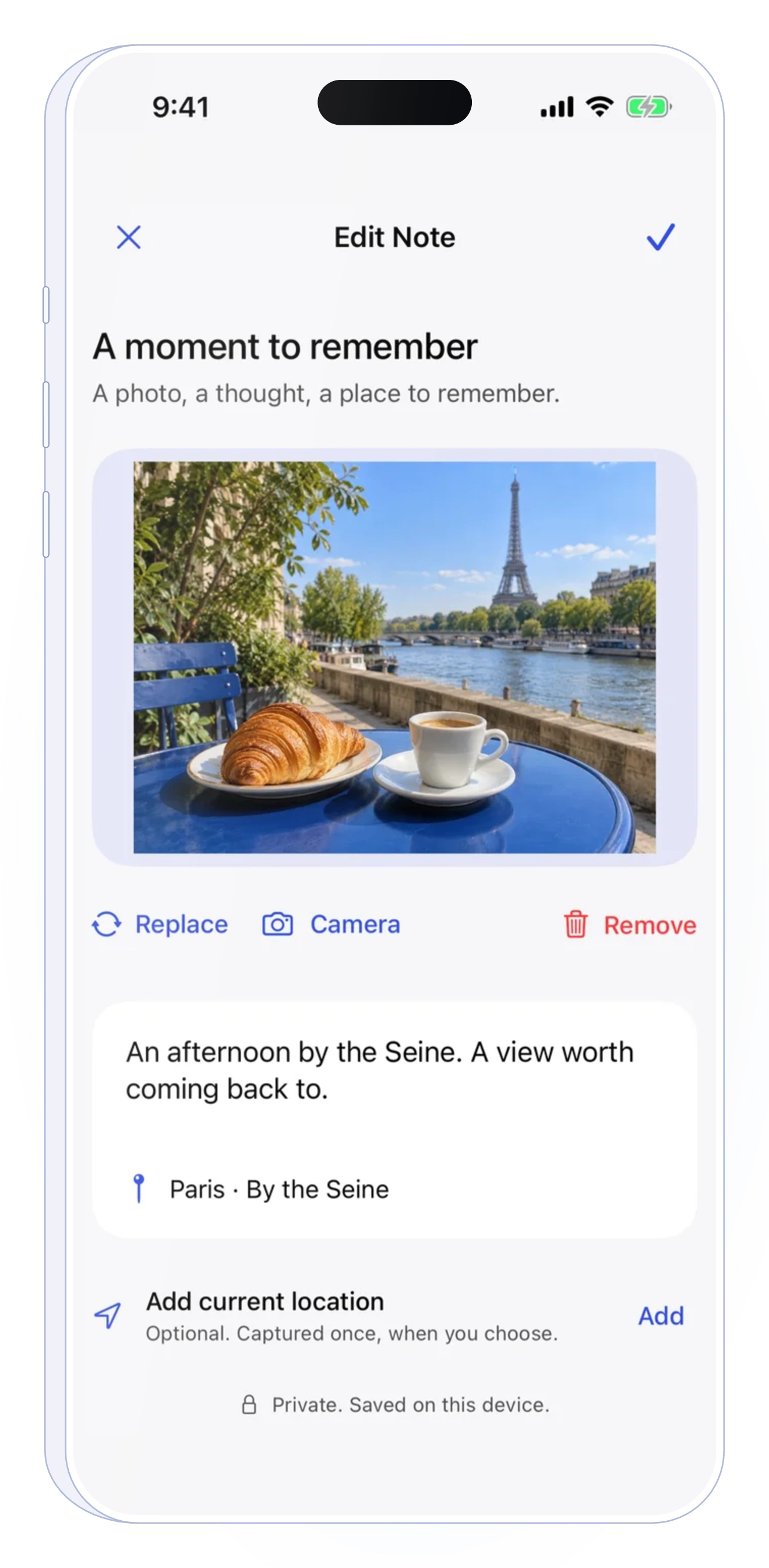
Use Notes for a pickup point, a place or a reminder. Keep flight and arrival plans in Trip, and completed journeys in Journal. Each has its own place, so your boarding pass does not have to hold everything.
Saved boarding passes reproduce your original pass. They are not newly issued tickets and do not guarantee airport acceptance. Keep your airline’s current pass available.
GET STARTED
Choose your travel documents and add a boarding pass or confirmation.
Check the scanned or imported information. If the barcode cannot be read, keep the original document rather than relying on a recreated code.
Open the saved pass and barcode while you have time to confirm they are the correct ones for your journey.
No. Outglide stores and displays your saved pass inside Outglide. If your airline offers Add to Apple Wallet, use its official pass for that option.
Airport acceptance is determined by your airline and airport. Outglide does not issue a boarding pass or validate your right to board. Keep your current airline-issued pass available and check its requirements.
You can open documents already saved on your device offline. Import and check the files before travelling; live flight updates and online services still need connectivity.
Start with the flight. Keep the rest close.