Flight times and status
See the latest available departure and arrival times, gate, terminal and flight status. Check the update time to see how recent the information is.
YOUR FLIGHT, CLOSE AT HAND
Follow your flight, keep the useful details in view and plan what comes after landing.
For iPhone, iPad and Apple Watch.
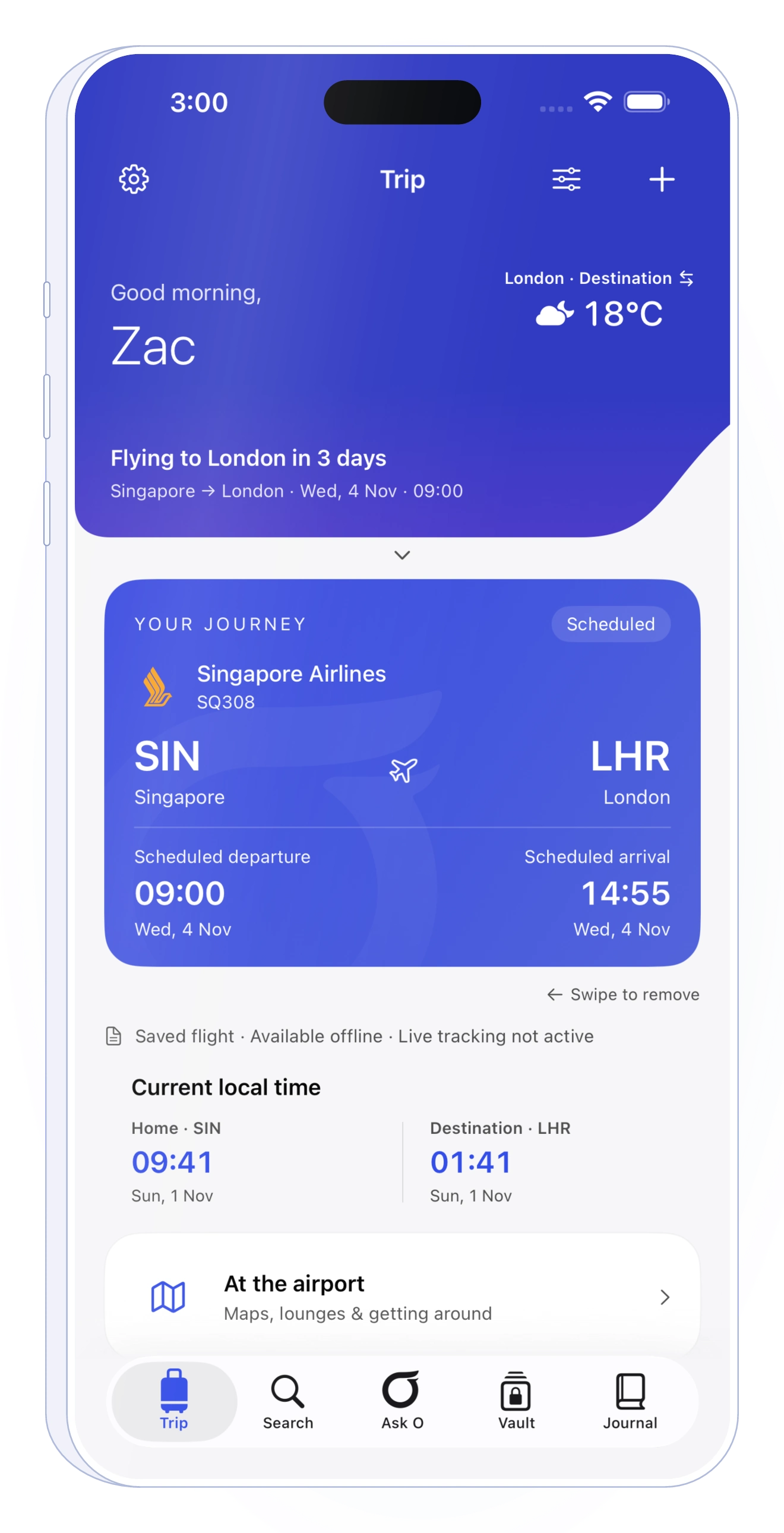
Outglide brings saved flights and live monitoring alongside your hotel, transfer and travel essentials. Use it on iPhone, with more room on iPad and a quick glance on Apple Watch.
See the latest available departure and arrival times, gate, terminal and flight status. Check the update time to see how recent the information is.
Keep eligible flights in view with Live Activities on your Lock Screen and Dynamic Island. Widgets and Apple Watch put saved details closer to hand.
Keep connecting flights together and use Arrival Plan to work out what a changed arrival could mean for your hotel or onward plans.
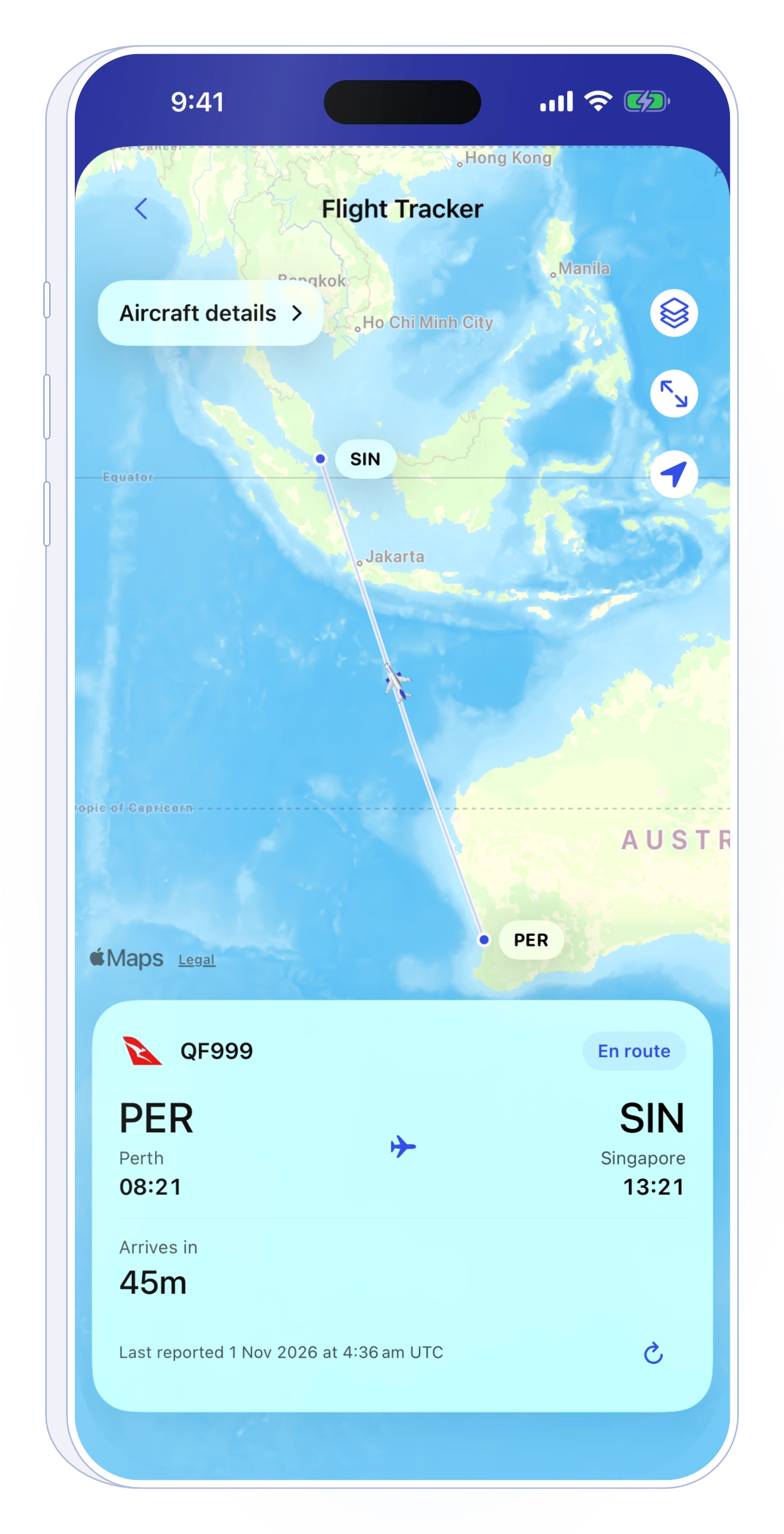
A CLOSER LOOK
Open the tracker from your flight to see its latest available position. Aircraft details can include the airline, model and registration when supplied. Check the report time: a displayed position may be out of date.
Live monitoring requires sign-in and eligible coverage. Live Activities, widgets and Watch updates depend on device settings, connectivity and available data.
GET STARTED
Enter its flight number and the date at the departure airport, or browse an airport board.
Keep the flight with the stays, transfers and activities around your journey.
Apply an eligible Trip Pass or use Outglide Plus to follow available flight updates.
Yes. Saved trips, Arrival Plans, Notes and Travel Vault are available free. Live monitoring requires an eligible Trip Pass or Outglide Plus; current offers and prices are shown in the app.
Outglide has an Apple Watch app for saved flight details and the latest available updates when connected. Keep your Watch and iPhone connected to sync details.
No. Updates depend on available flight data, service availability, connectivity and permissions. Confirm important or urgent information with your airline or airport.
Start with the flight. Keep the rest close.